HOT PRODUCT LOW STOCK
Turn Digital Designs Into Physical Objects
4.9/5 (224+ Reviews)
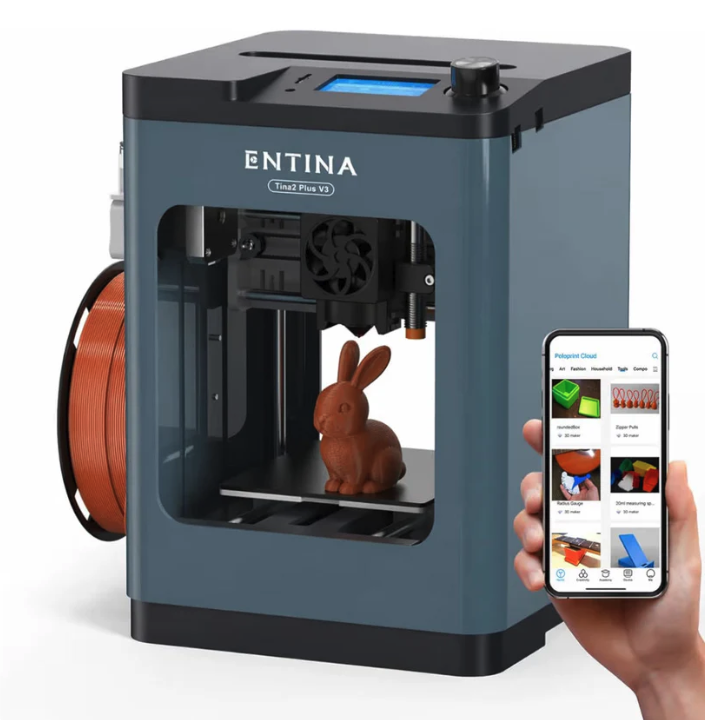
- Keep the build area in view through the open front.
- Find the display and rotary control together on top.
- Keep filament beside the printer with the side-mounted spool holder.
BUNDLE & SAVE
The image shows a display and rotary control dial on the top panel.
Yes, the pictured printer has an open front that exposes the build area.
The pictured filament spool sits on a holder beside the printer’s left side.
Worldwide Shipping
Free 1 Year Warranty
Hassle Free Returns
24/7 Customer Service